AI RPG Map Generator: Create Editable 2D Maps
Generate an editable 2D RPG map from a prompt, refine terrain and collisions in RPGJS Studio, then test the result in your browser.
AI RPG Map Generator: Create Editable 2D Maps
Create an editable AI map from the Mosswood template →
Start free with no installation or credit card. The result stays editable and can be exported as RPGJS-compatible source.
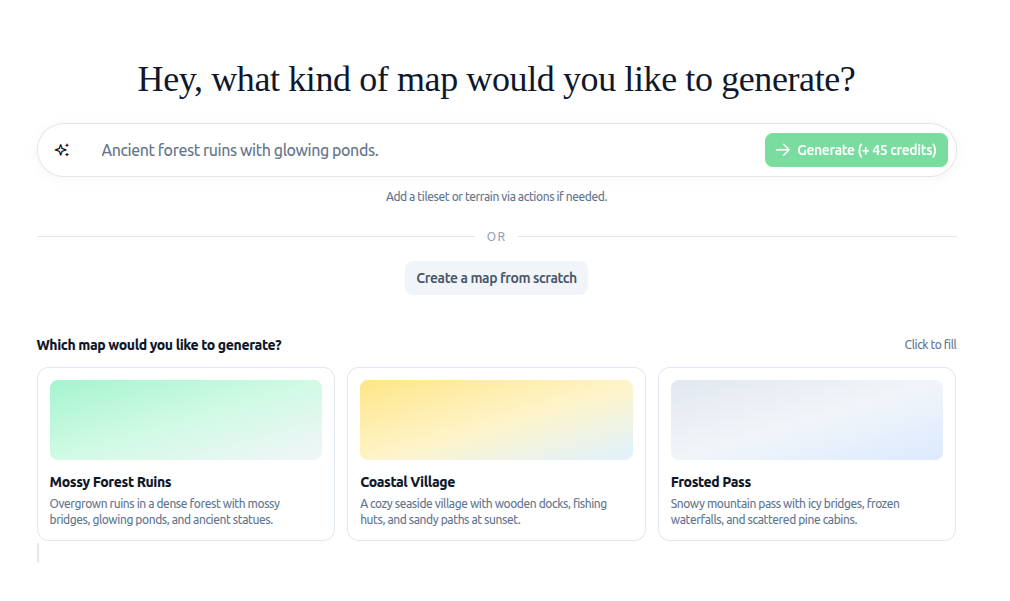
A major step forward for RPGJS: you can now create a complete map from zero using a single prompt. No need to draw tile by tile—describe what you want, and the AI generates a full, editable map directly in the editor, including terrain and decor. Here’s what’s new and how it works.
Two Ways to Generate Your Map
You have two ways to use AI map generation:
1. From an Existing Tileset and Terrain
If you already have a tileset and terrain in your project, you can give a prompt and the AI will generate a map based on them. It uses your assets and follows your description to lay out the map.
2. From Nothing (Full Generation)
You can also start from scratch: one prompt, no tileset or terrain required. The AI will:
- Generate the tilesets needed for your theme
- Generate the terrains and their combinations
- Generate the map using those assets
This “from zero” mode is more powerful but uses more credits, since it creates tilesets and terrains first. Generation also takes a bit longer, especially when starting from nothing—something to keep in mind for large or complex maps.
The Big Change: Editable Maps, Not Just an Image
Previously, AI-generated maps resulted in a single image: nice to look at, but not editable in the editor. You couldn’t move a tree, change the terrain, or tweak a decoration.
That’s no longer the case. Now the AI produces real map content inside the editor:
- Terrain is placed as editable terrain tiles
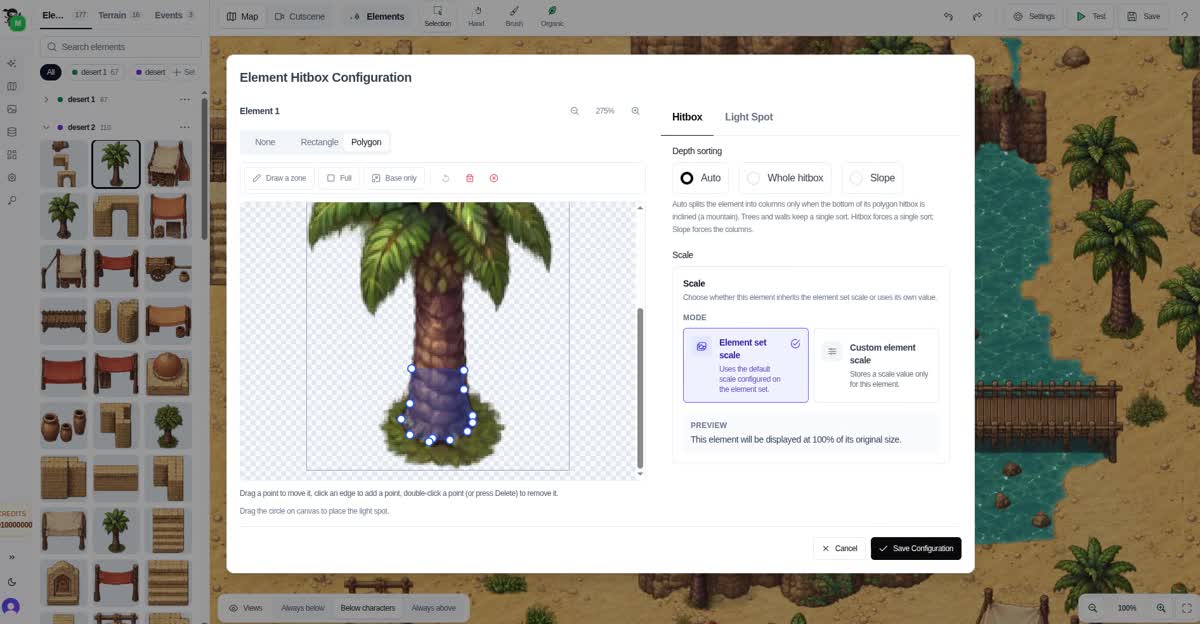
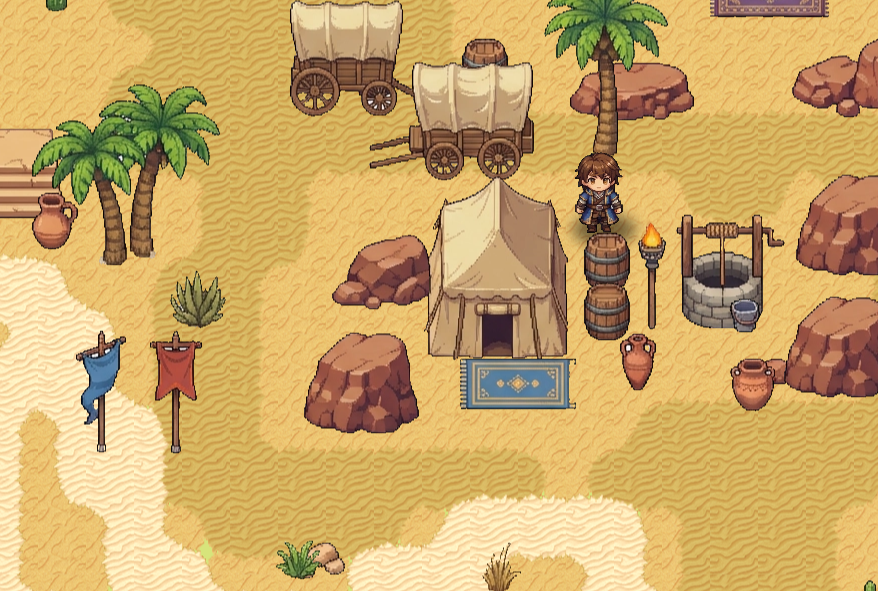
- Decor (trees, rocks, buildings, etc.) is placed as movable, editable elements
- You can move, resize, delete, or add anything after generation
So you get a solid first draft from the AI, then you refine it by hand. Nothing is “locked” into one image—your credits give you reusable structure, not a dead-end export.
Credits, Subscription, and Alpha Status
-
Pro subscription only
Full map-from-scratch generation (including tilesets and terrains) is available only on the Pro plan, as it consumes more credits. -
Credits
Generating from scratch costs more credits than generating a map from existing tileset/terrain, because the system first creates tilesets and terrains. The tilesets remain reusable for other maps, so you’re building a library of assets, not throwing credits away. -
Alpha
This feature is currently in alpha. You can use it and iterate on the results, but the AI may sometimes produce inconsistent or rough layouts. Because everything is editable, you can always correct placements, move elements, and adjust terrain—so even imperfect generations are still useful and not “wasted” credits. We expect behavior and quality to improve over time.
Map Editor Improvement: Snap and Rules When Moving Elements
Alongside AI map generation, the map editor has been updated to make manual editing smoother.
When you move elements (trees, props, decorations, etc.), a snap and rules system is applied so that:
- Elements align more consistently to the grid
- Placement follows clear rules (e.g. alignment, spacing)
- Layouts stay tidy and predictable
You get both: fast AI-generated bases and precise, rule-guided manual editing.