
Create Playable AI Cutscenes in RPGJS Studio
Select a region, choose your hero, and turn a moment on your map into a cinematic players can trigger in-game.
Create Playable AI Cutscenes in RPGJS Studio
RPGJS Studio can now turn a moment from your map into a playable cinematic.
Choose the part of the world you want to stage, select your hero, add optional visual references, and generate a video that becomes part of your game. When the player reaches the interaction, the cinematic plays—and the game continues right where it left off.
From a Map Region to a Cinematic Moment
The workflow stays connected to the game you are building:
- Select a region directly on your map.
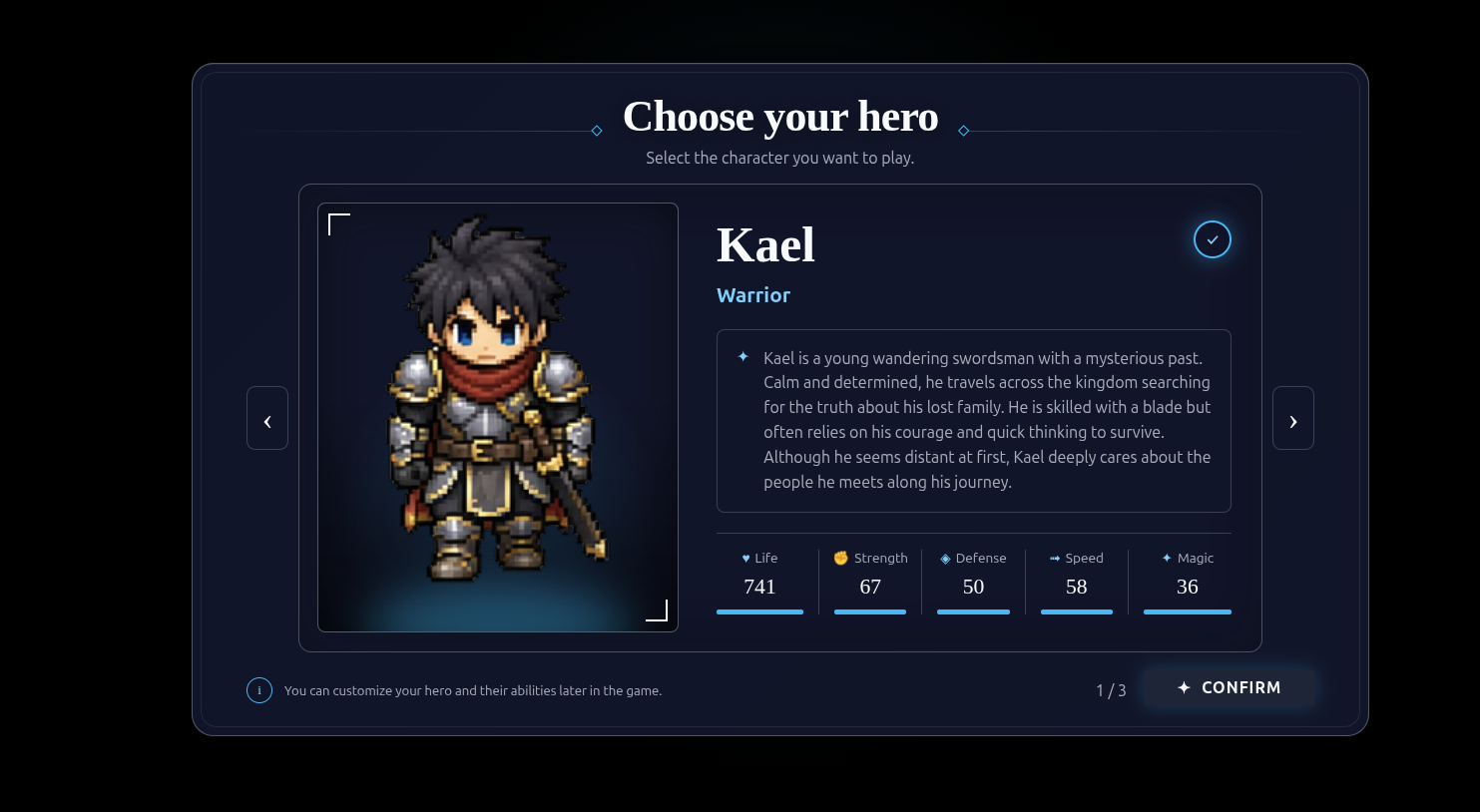
- Choose the hero or actor who belongs in the scene.
- Add an image reference when you want to guide the visual direction.
- Generate the cinematic with MiniMax H3.
- Let players trigger it from the map during gameplay.
This makes cinematics feel like part of your world, rather than a separate asset you have to manage outside the editor.
Keep Your Story Interactive
Use a cutscene for a character entrance, a discovery, a quest beat, or a turning point in your story. The player can walk into the moment, watch the cinematic, and return to the same map afterwards.
You stay in control of the setting and the characters; AI video generation helps you give that moment motion and atmosphere.
Create Stories Players Can Experience
This feature is designed for solo RPG creators who want to add more cinematic storytelling without leaving RPGJS Studio.