
Write a few words
Name the place and pick a style. The generator chooses the terrain, the decor and where everything goes.
See prompt examples →Research · Map Generator 3.1
From a sentence, a photo or a sketch to a real 2D RPG map you can edit, test and ship. Not an image: a playable map.
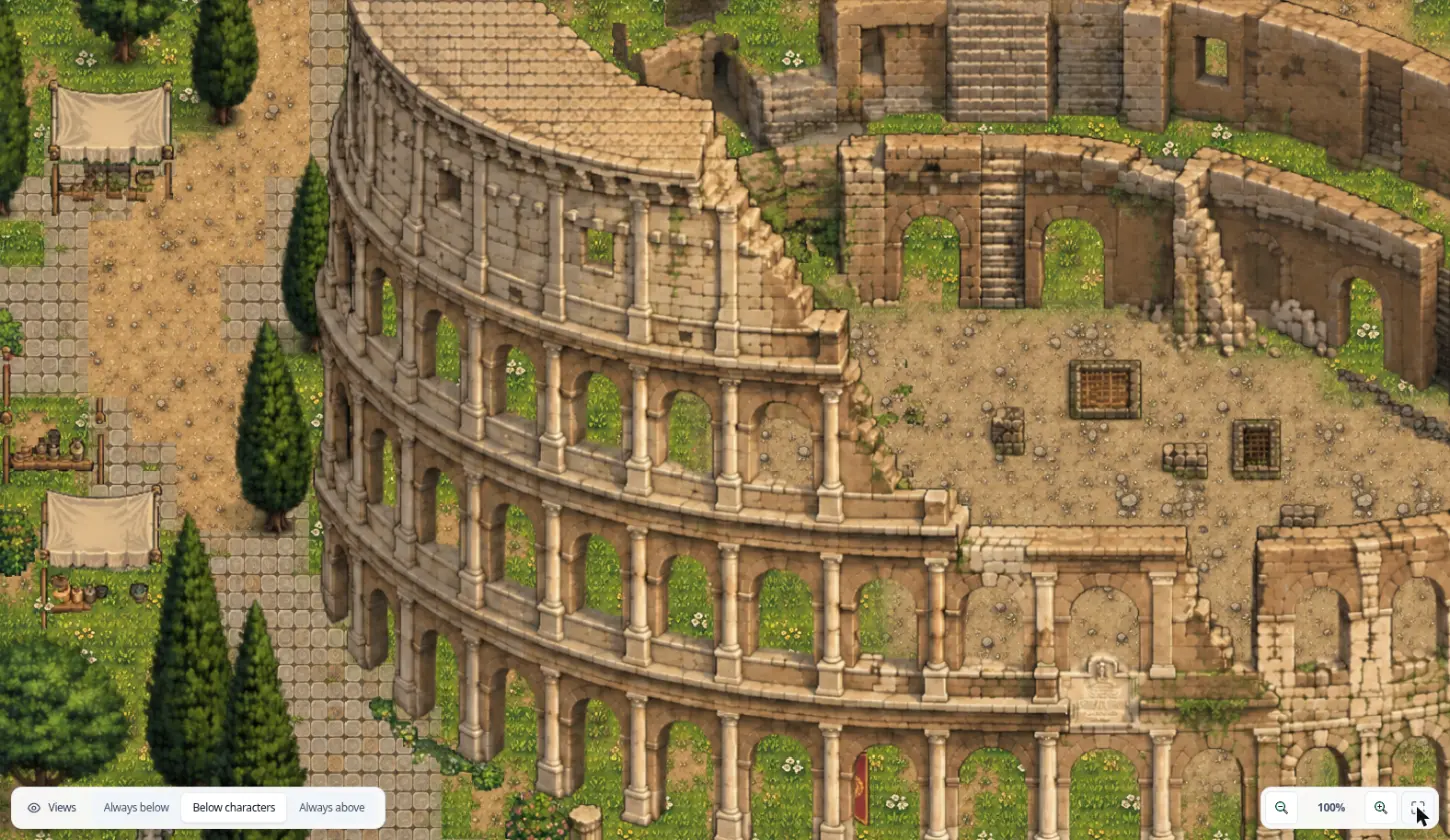
Most image generators give you a pretty picture. A game needs more: tiles that line up, decor you can move and ground you can walk on. The map generator produces real map content, so what you generate is what you play and keep editing.
Pick the one that matches what you have in mind.
Name the place and pick a style. The generator chooses the terrain, the decor and where everything goes.
See prompt examples →A photo, a screenshot or an illustration becomes the reference. The generator keeps its composition and mood and redraws it as a top-down map.
See the Colosseum →A few strokes for the roads, the water and the buildings are enough. The AI places them where you drew them, then paints the real map.
Watch it happen →We dropped a picture of the Colosseum into RPGJS Studio. No description, no tilesets, no setup.
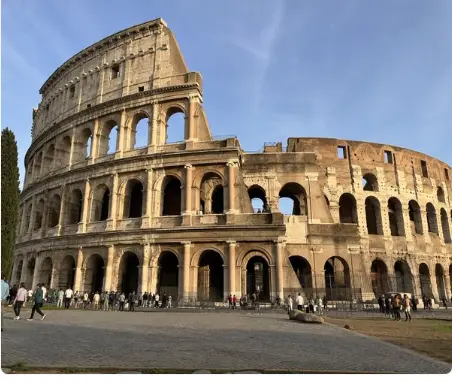
The generator reads the composition, the subjects and the mood of the picture, then redraws it as a top-down map in the style you chose. It inspires the map, it does not copy it.
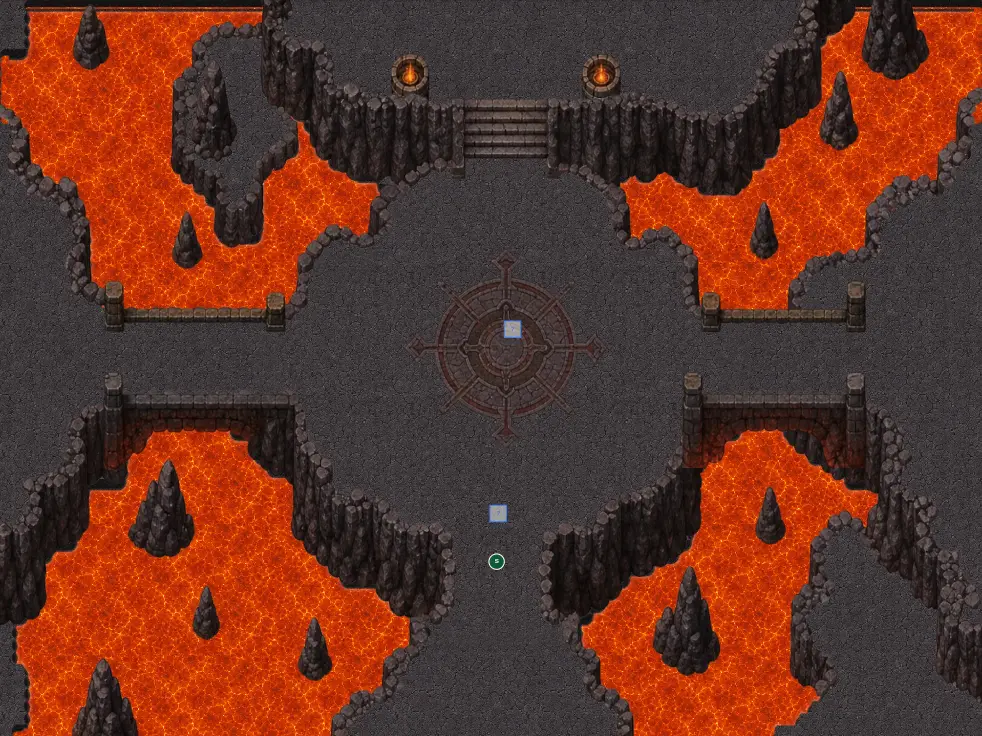
Generated in RPGJS Studio with a single sentence. Each one is a full 40×30 map, not a picture.
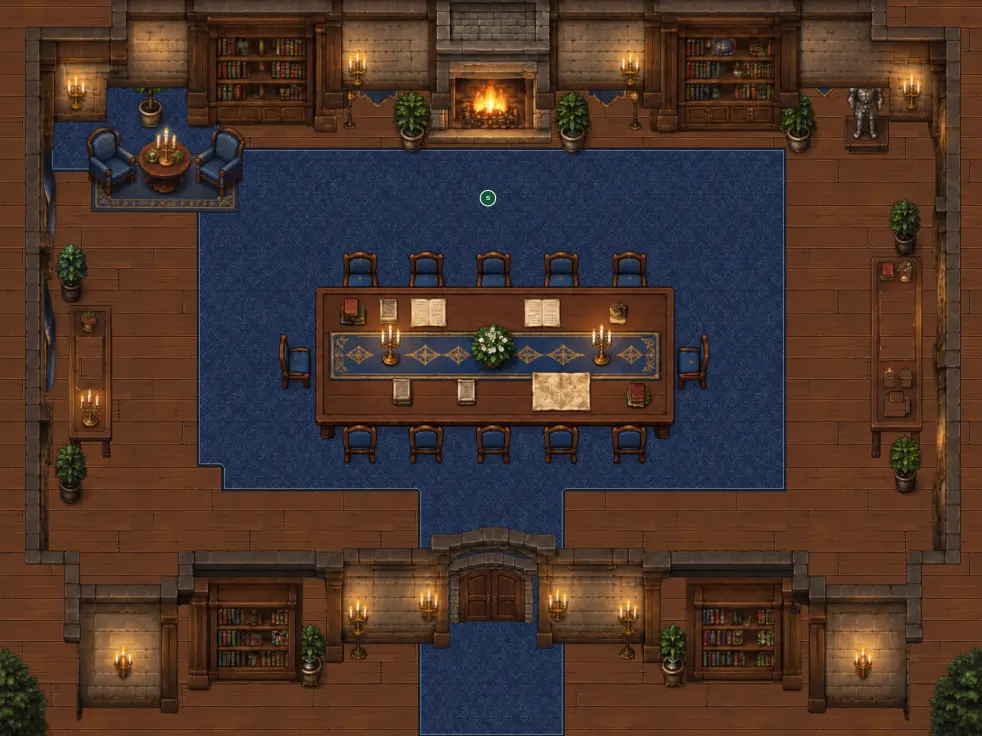
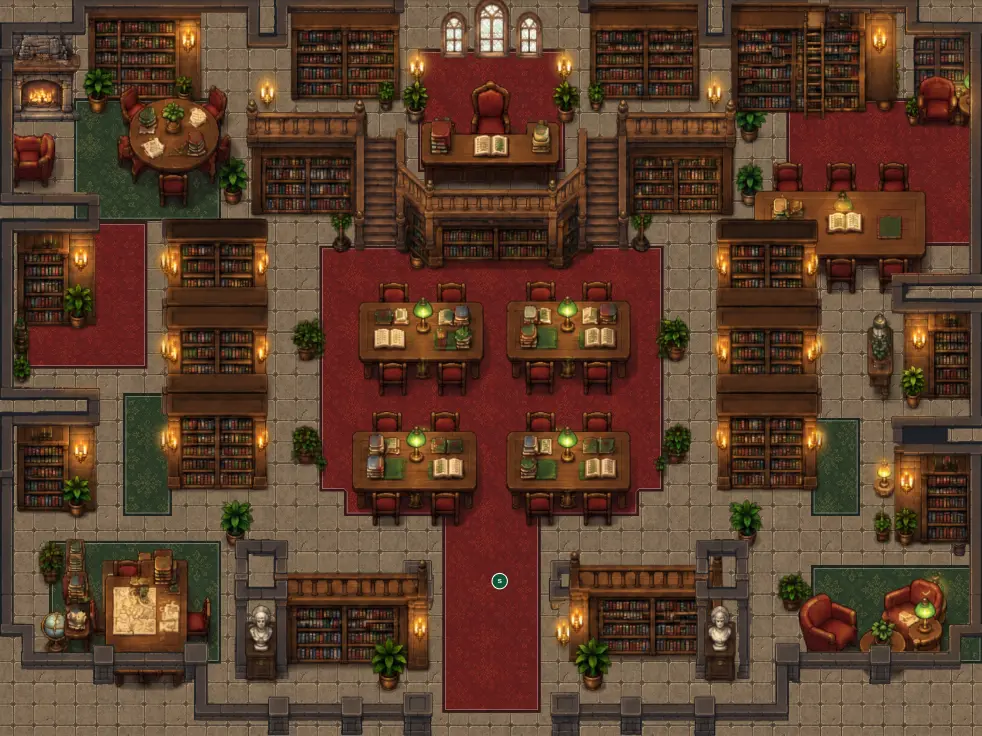
Sketch the layout of your map: roads, water, buildings. A few strokes are enough. The generator places everything where you drew it, then paints a real map in the style you picked. It uses your drawing as a layout guide, not as a picture to colour in.
A pen, an eraser, eight colours and a sheet in the ratio of your map. Read how the drawing pad works →
Same prompt, different style. You choose the visual direction before generating, and the tilesets, terrains and decor follow it.
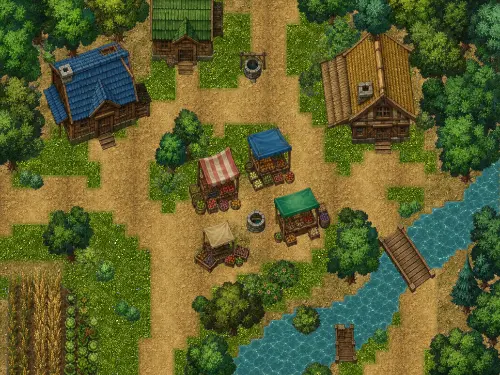
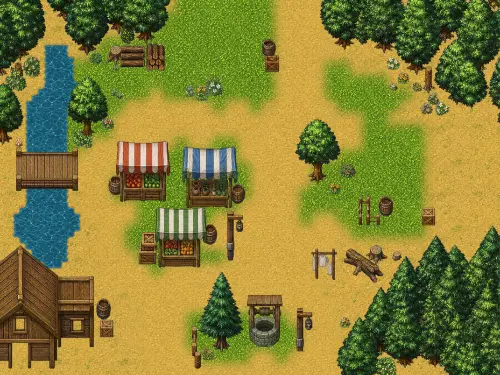
A generated map is cut into the same parts you would build by hand. Open it in the map editor and change anything.
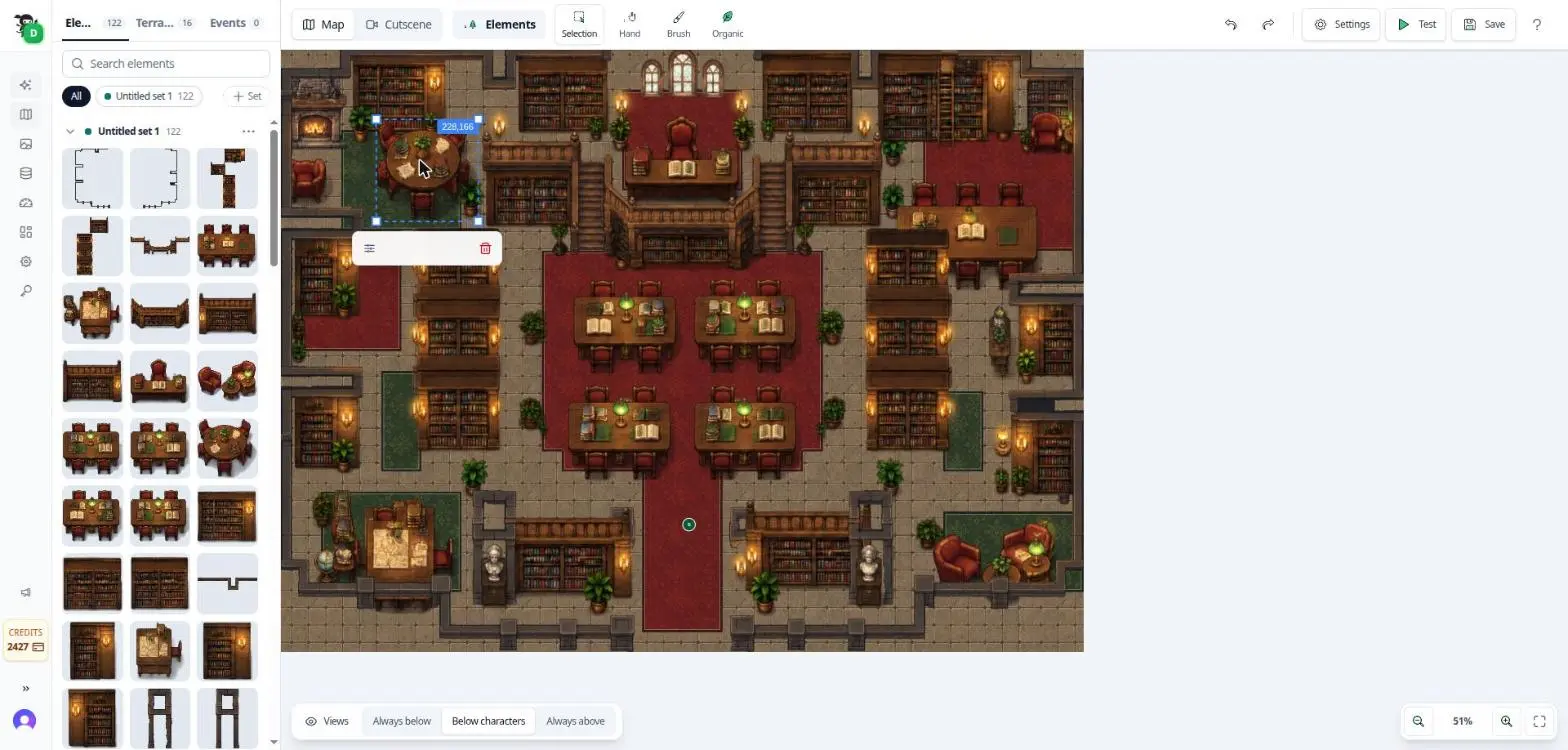
The generator does not paint one flat image. Tables, shelves, trees and lamps are separate elements: 122 in this library. Drag any of them from the panel to place it again.
Click any object on the map to move it, resize it or remove it. Nothing is locked into the picture.
Switch tabs to repaint the ground or to add NPCs, doors and quests on top of the map.
Selection, Hand, Brush and Organic tools to place and rearrange elements by hand.
Always below, below characters or always above: decide what the player walks over and behind.
Press Test and walk through the map you just generated, then save or export your game.
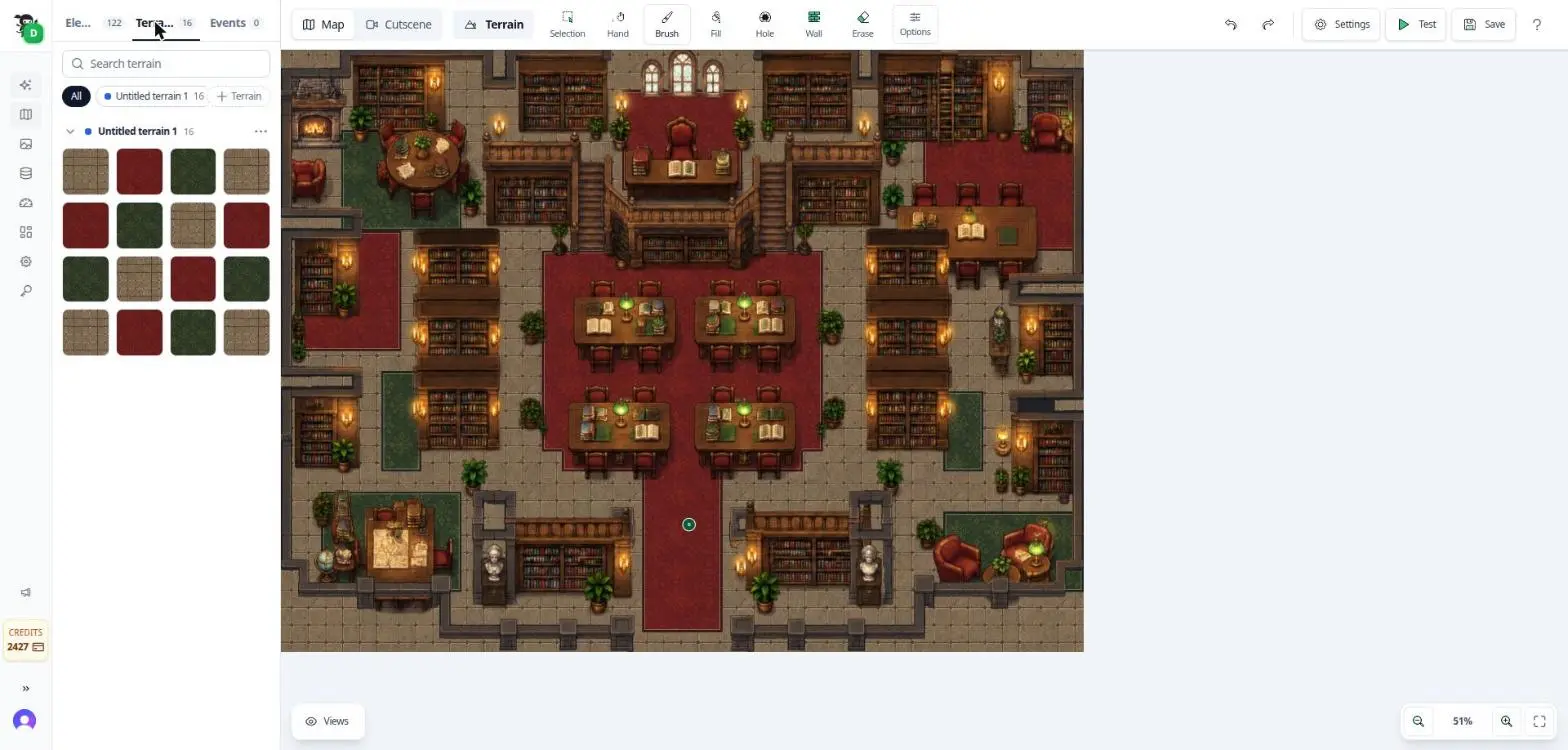
Floors, carpets, paths, grass and water are real terrains, not decoration. Switch to the Terrain tab and use the brush, fill, wall, hole and eraser to reshape the ground. Water uses terrain morphology, so its edges stay clean as you edit. Generated walls are the exception: they are not editable terrains yet.
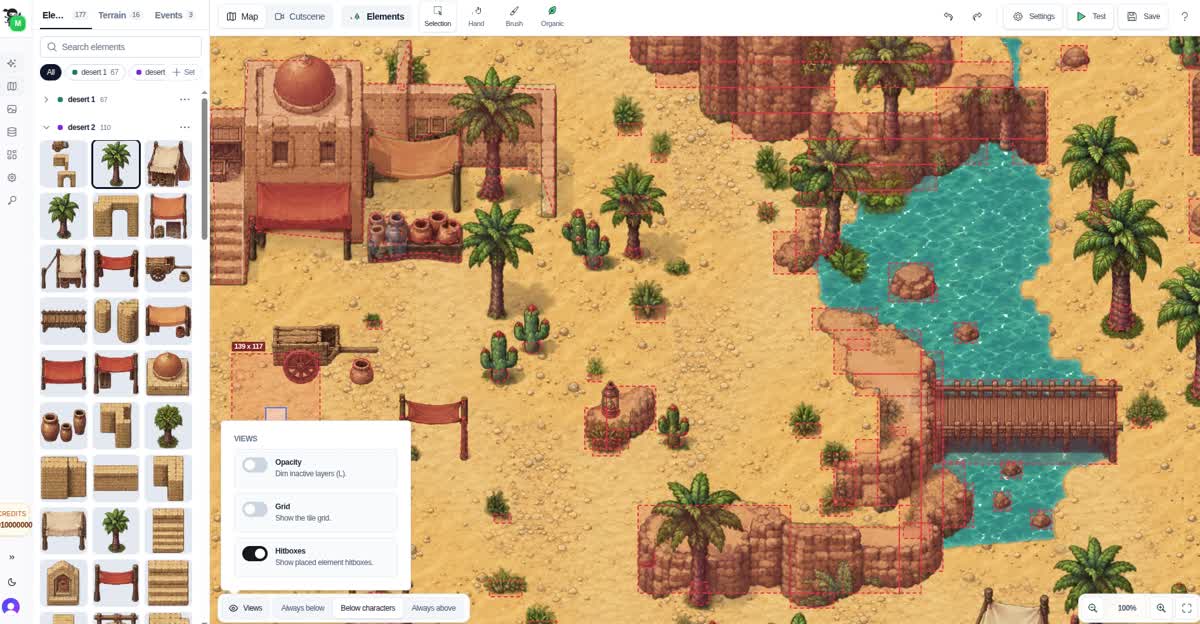
Each element has a polygon hitbox you can reshape. A palm tree blocks the player at its trunk, not across its whole canvas. Turn on the Hitboxes view to see where the player can and cannot walk.
Add NPCs, doors, chests and quests on top of the generated map.
Press Test and walk through the map in your browser.
Copy a map in one click to try a variation without touching the original.
Export the game and its RPGJS source when you are ready.
A single picture with collisions on top. Playable, but impossible to edit.
Terrain tiles and movable elements you can edit, but elements were not always placed well.
A big improvement in where elements go and how layers are stacked, plus styles and generated water. Out of alpha.
Read more →Better transparency and finer detail on the map. This is the version running in Studio today.
Read more →We are working on all of these.
Included in RPGJS Studio. Free to start, in your browser.
Try it now